FinderGit
FinderGit is a native macOS application that combines file browsing with Git intelligence. Instead of switching between Finder and a Git client, you get everything in one window.
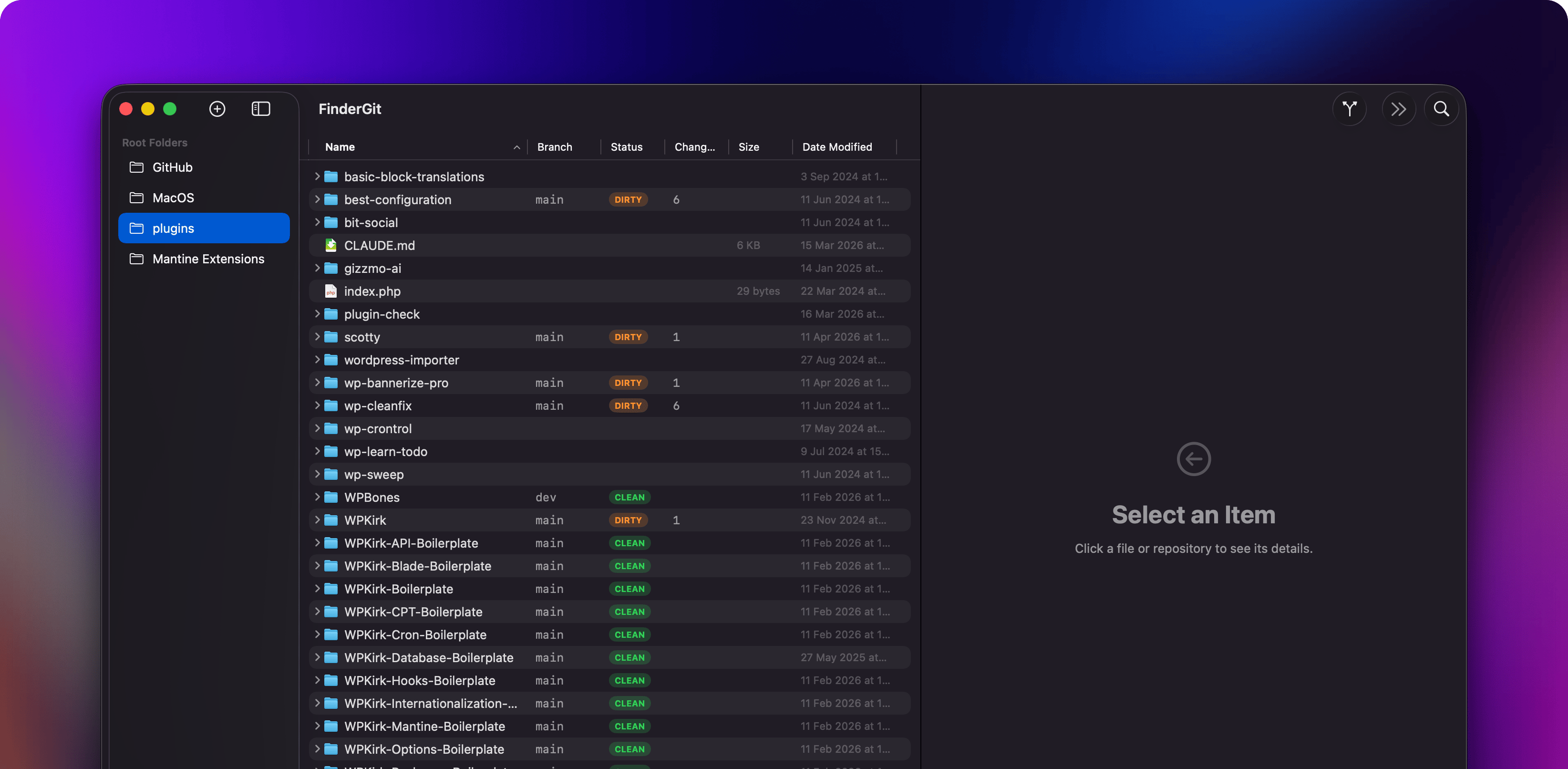
What it does
- Tree view with sortable columns — browse your files like Finder’s list view, with columns for Branch, Status, Changes, Size, and Date Modified
- Live Git status — every repository shows its current branch, clean/dirty/unpushed state, updated in real time via FSEvents
- Inline diff viewer — click any modified file to see a colored diff with line numbers
- Git actions — stage, unstage, commit, push, pull, fetch, and switch branches directly from the app
- Smart context menus — right-click adapts to context: file operations for regular files, Git operations for repositories
- Quick Look — press Space to preview any file.
.mdand.markdownfiles open in a native renderer (GitHub-style theme); everything else falls back to system Quick Look - Search & filter — filter the tree by name or toggle “Git Only” to show just repositories
- Multiple root folders — add as many root directories as you want; drag folders from the macOS Finder into the sidebar to add them as roots
- Auto-updates — built in via Sparkle, signed with EdDSA
Requirements
- macOS 15 (Sequoia) or later
git— provided by the Xcode Command Line Tools. On a fresh Mac, runxcode-select --installand accept the license withsudo xcodebuild -licensebefore launching FinderGit (see Getting Started)
Architecture
FinderGit is built with SwiftUI and the Observation framework. The core Git logic lives in a reusable FinderGitCore framework that wraps the git CLI with async/await APIs.
FinderGitCore (framework)
├── GitClient      — async wrapper around /usr/bin/git
├── GitStatus      — parser for git status --porcelain=v2
├── GitActions     — commit, push, pull, fetch, branch, stash
├── GitDiff        — unified diff parser
└── GitWatcher     — FSEvents file system monitor

FinderGit (app)
├── File Browser   — Table with expandable outline + sortable columns
├── Detail Panel   — repo info, changes list, commit dialog
├── Diff Viewer    — colored inline diff
├── Settings       — preferences for scan, git, terminal
└── App Menus      — File, Repository, View commands
Last updated on